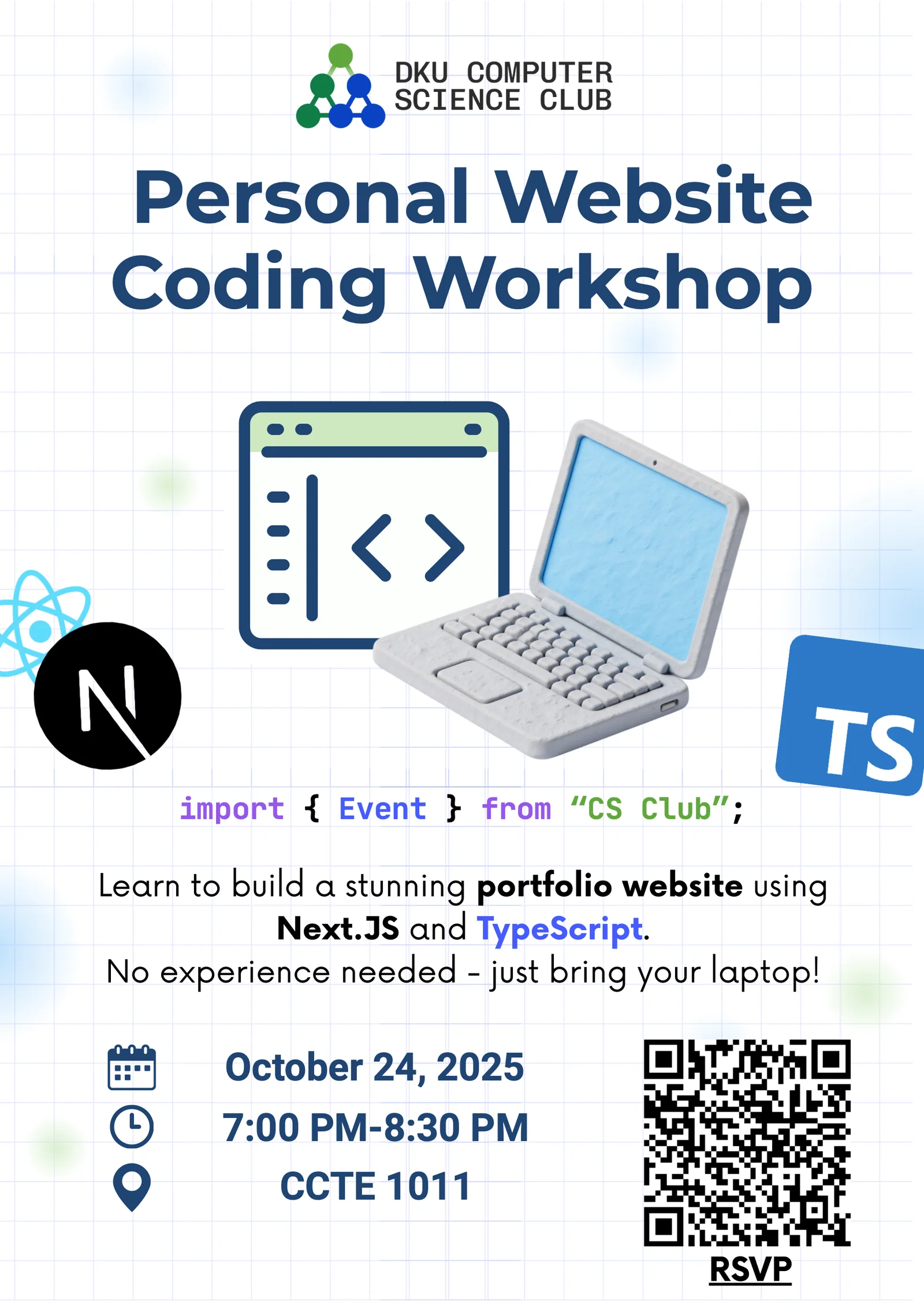
On October 24, 2025, the DKU Computer Science Club hosted a hands-on Personal Website Coding Workshop in CCTE 1011. Twenty-three students joined the session to learn how a modern website moves from an empty folder on a laptop to a public portfolio on the internet.
Presented by Anar and Avidaa, the workshop used Next.js and TypeScript to make web development approachable for beginners while still introducing the tools used in contemporary frontend projects.
Defining a Website’s Purpose
Before opening the terminal, participants considered what they wanted their site to accomplish. A personal website can serve as a portfolio, blog, project archive, résumé, small business page, or starting point for a larger web application. Defining that purpose helps determine the pages, content, and visual style the project actually needs.
Building the First Page
Students prepared a local development environment with Node.js and a code editor, created a Next.js project, launched the development server, and edited the home page. This first “Hello, world!” established the core feedback loop of web development: change the code, save the file, inspect the browser, and debug what happened.
The workshop also introduced the relationship among web standards and modern tools. HTML, CSS, and JavaScript remain the foundation, while React, TypeScript, Next.js, and Tailwind CSS provide structure for building larger and more maintainable interfaces.
Styling With Reusable Components
Once the project was running, participants explored typography, spacing, color, and responsive styling. They learned how React components can turn repeated interface elements—such as a navigation bar, footer, project card, or social link—into reusable building blocks.
Images, links, videos, and embedded content then transformed the starter page into a more personal site. The emphasis was on creating a clear structure first and refining the design through small, testable changes.
Publishing the Site
The final stage connected local development with deployment. Students learned how GitHub can preserve a project’s history and how Vercel can build and publish a Next.js site. The workshop also introduced preview deployments, mobile testing, and custom domains as next steps after the first version goes live.
By the end of the session, participants had seen the entire workflow: define an intention, set up the environment, build pages, style components, add media, fix problems, and publish. More importantly, they left with a foundation they could continue expanding into a portfolio that reflects their own work.